
Upload a clear photo
Portraits, pets, and simple objects work best.
Photo to perler bead art
Turn your favorite photos into fuse bead patterns. The converter maps your image to real bead colors and exports a printable PDF.
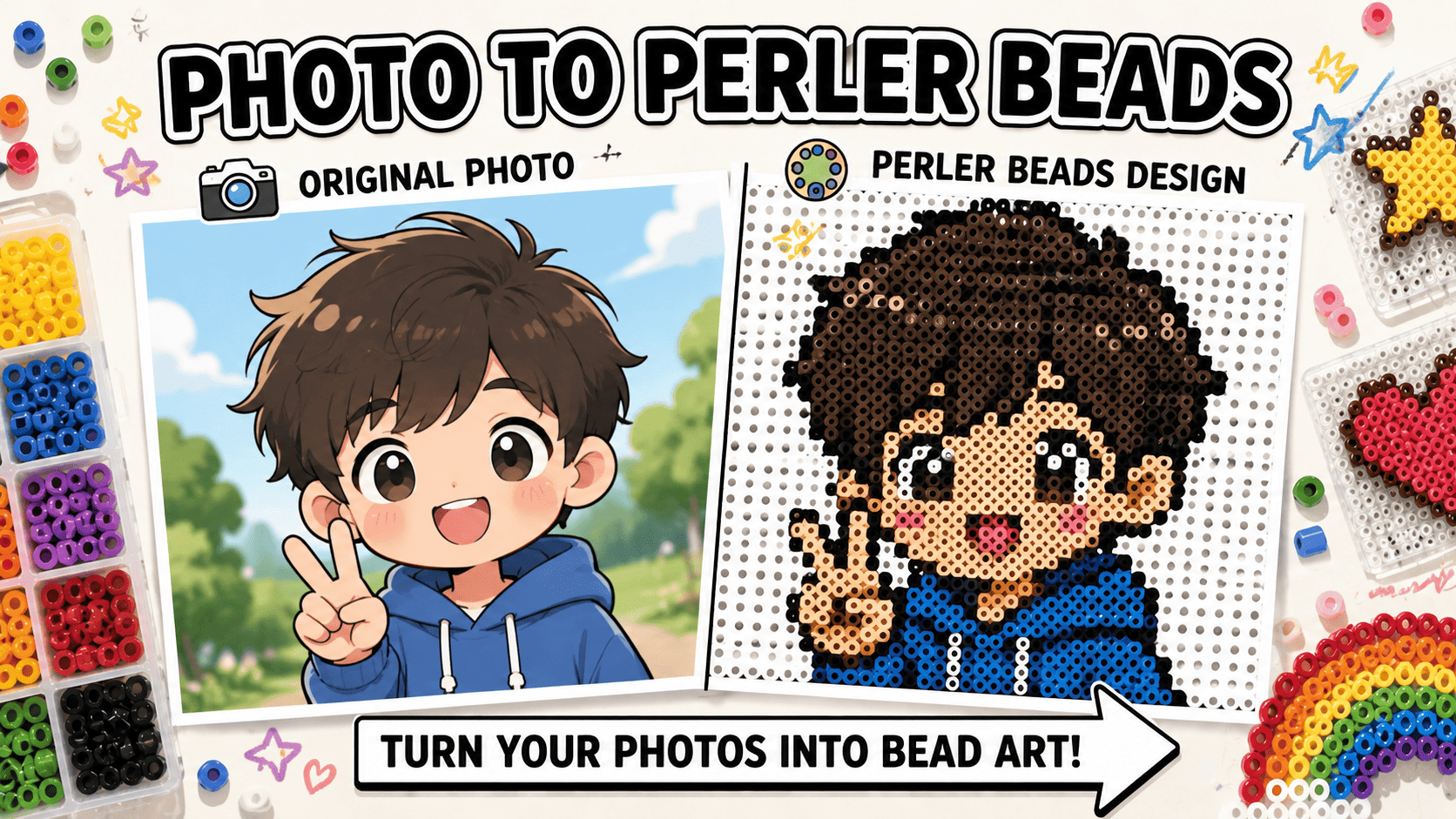
Upload a photo, choose a style, then make a real perler pattern you can build from.
Upload your image
Perler BeadsWhat people want from a photo-to-perler tool
The flow stays focused so users can get from photo to finished pattern without extra noise.
Turn a photo into an editable fuse bead grid. Pick a bead brand, adjust the board size, clean individual cells, check bead counts by color, then export a printable pattern.
View all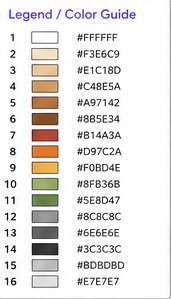
Most people search this page to answer five questions: can this photo become a bead pattern, what grid size should I use, how many beads will I need, which brand should I choose, and can I print it?
View all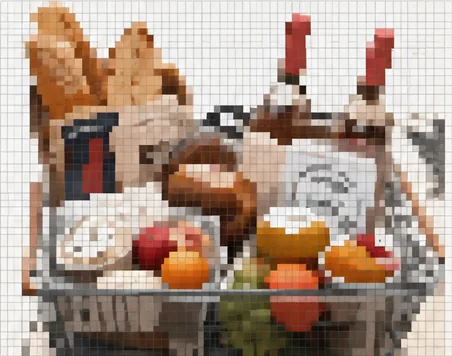
Upload a photo and get clean pixel art instantly. Choose the grid size and color count, then download the result as an image or printable PDF.
View all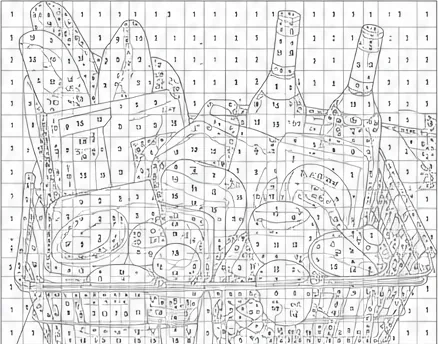
Use a numbered pixel grid online when you want a color-by-number version of the same image.
View allUpload a photo, choose a style, then make a real perler pattern you can build from.
Portraits, pets, and simple objects work best.
Use original for a faithful look or cartoon for a cuter one.
The AI creates a better source image for the bead pattern.
Download PNG or PDF with colors, counts, and labels.
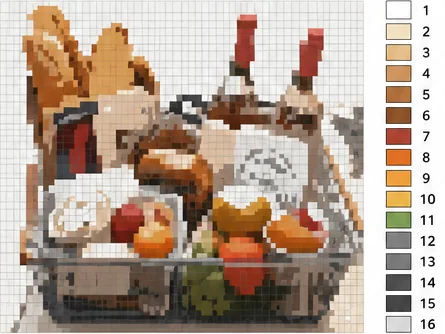
The useful path is simple: start from a photo, make an artwork, then turn it into a buildable bead pattern.
Yes. The pattern maps to a real brand palette and shows bead counts by color.
Yes. You can download PNG or PDF after the pattern is ready.
It turns the photo into a cuter AI artwork before making the pattern.
Yes. The bead list shows the total and each color count.