Numbered guide with color key
Every PDF includes a numbered pixel grid and a full color palette reference — typically 8 to 24 colors per template.
Free Online Photo to Color by Number Converter
Turn any photo into a custom Pixel Color by Number page in seconds. Choose your grid size and color palette, color online in your browser, or download printable coloring pages. No sign-up required.
Photo to Color by Number
Turn your photo into a coloring page
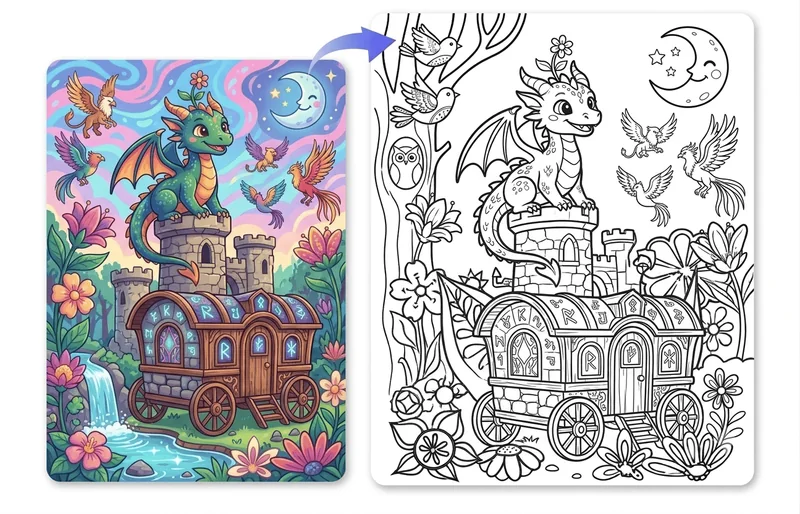
Real artwork created with our pixel art color by number templates. Pick a design below, color it online or on paper, and your finished piece could be featured here next.
Yes. Every template comes as a free color by number printable PDF with the numbered artwork and a full color palette reference, formatted for standard 8.5×11 inch home printers. Use them for classrooms, activity books, road trips, or offline coloring at home.
Every PDF includes a numbered pixel grid and a full color palette reference — typically 8 to 24 colors per template.
Pages are formatted for letter-size home printers, classrooms, and activity books. Print at 100% scale for best results.
Export clean, unnumbered artwork sheets for offline coloring with pencils, markers, or paint.
Turn any photo into a free pixel art color by number template in five simple steps — no sign-up or software required.

Choose a sharp, well-lit image with a single subject. Portraits, pets, and simple scenes convert into the cleanest pixel art color by number templates.
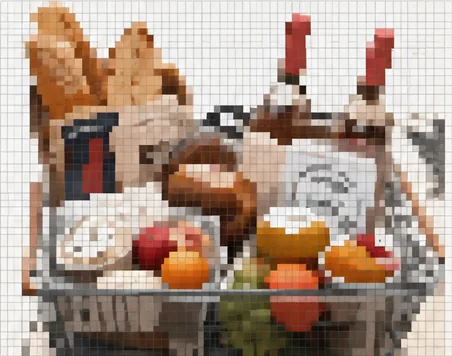
Upload a JPG, PNG, or WebP image. The tool instantly converts your photo into a pixel grid you can edit.
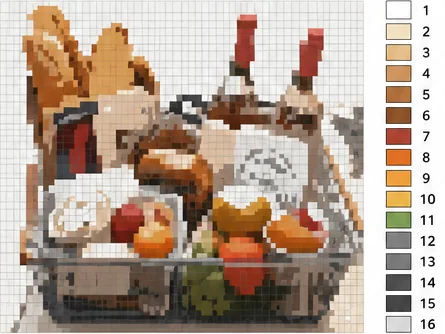
Pick a grid from 16×16 to 64×64 and limit the palette to 8–24 colors. Larger grids keep more detail; fewer colors make coloring faster.
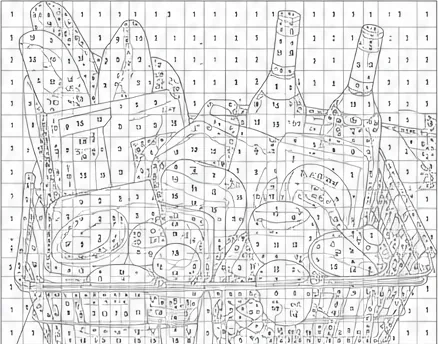
Every pixel shows its color number with a matching legend. Swap colors or tweak details until the design looks right.
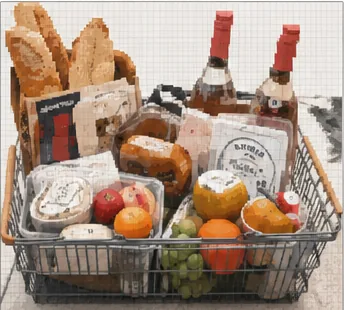
Color right in your browser, or download a printable PDF with the numbered grid and a full color legend for offline coloring.
Here are answers to the most common questions about pixel art color by number — from how it works to printing PDFs and using templates in the classroom.
Pixel art color by number is a creative coloring activity where a grid of pixels is marked with numbers, and each number maps to a specific color. By filling in the matching colors, you gradually reveal a complete pixel artwork. On our site, you can color entirely in your browser or print a PDF and color by hand with pencils or markers.
Yes. Every template on the site is free to color online — no account, no payment, no download required. Browse by category, pick a design, and start painting right away. You can also download printable PDF pages at no cost for offline coloring.
Yes. Each template includes a printable PDF with the numbered artwork and a full color palette reference. The pages are formatted for standard letter-size home printers, so they work well for classrooms, activity books, road trips, or quiet coloring time at home.
Pick a template from the gallery, then click or tap the numbered regions to fill them with the matching color. You can zoom in for fine details, pan across the canvas, and undo mistakes anytime. The coloring tool runs smoothly on desktop, tablet, and mobile browsers — no installation needed.
We offer a wide range of categories including Animals, Food & Drink, Anime, Nature, Pokemon, Minecraft, and Holidays. Each category contains dozens of templates across all difficulty levels, so you can always find something that matches your mood or interests.
Templates come in three difficulty levels: Easy, Medium, and Hard. Easy designs use fewer colors and a smaller grid, making them perfect for beginners and young kids. Medium adds more detail and a richer palette, while Hard designs feature large grids and many colors for a satisfying challenge.
Absolutely. Teachers and parents are welcome to print and distribute the PDF pages for educational use. Pixel art color by number helps children practice number recognition, color matching, and fine motor skills while having fun. The printable format makes it easy to prepare activities for groups of any size.
No. Everything runs directly in your web browser — there is nothing to install or update. The site is fully optimized for touch screens, so you can color on your phone or tablet just as comfortably as on a computer. Just open the page and start painting.