上傳照片
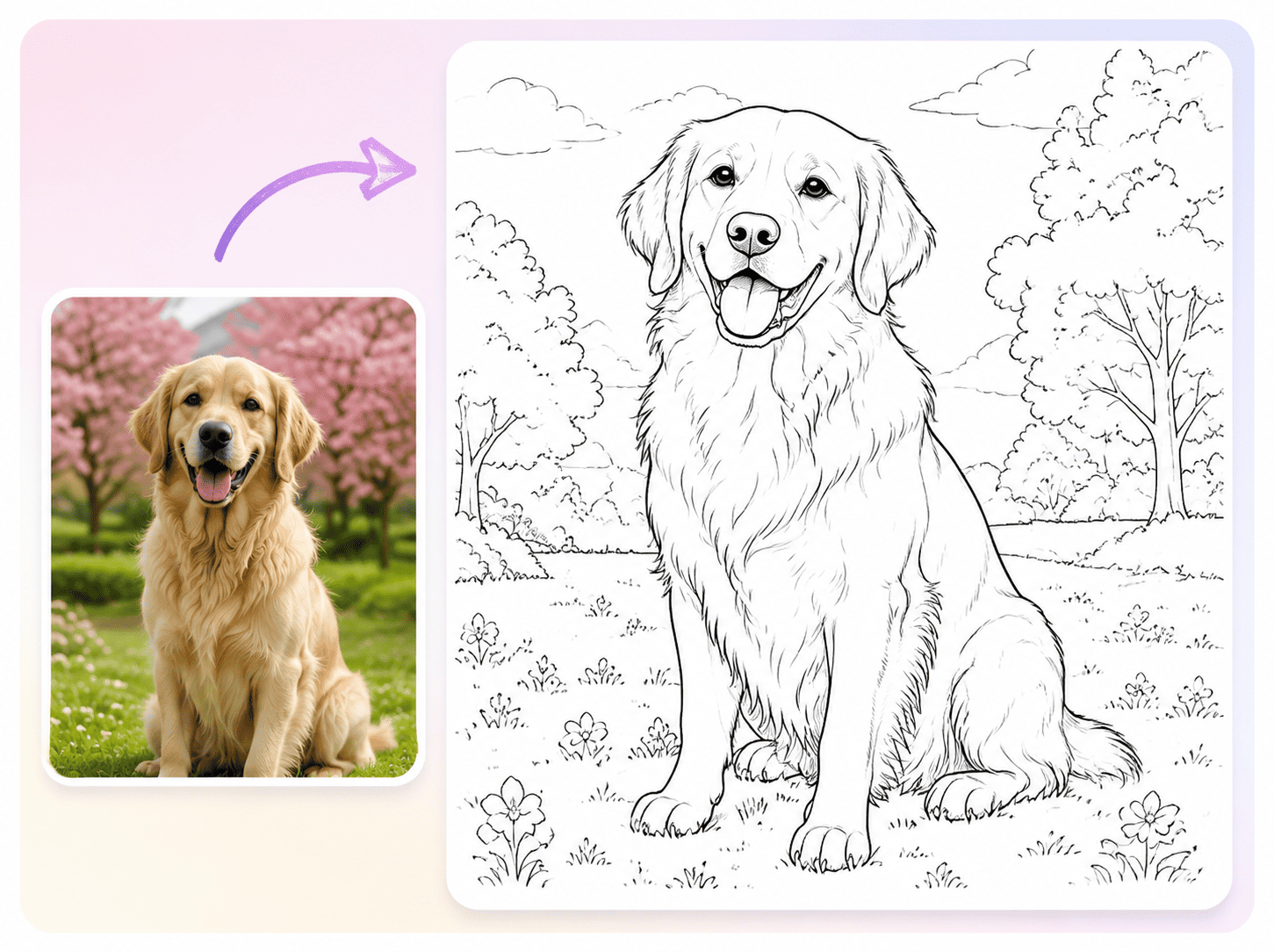
上傳一張或多張照片到著色頁轉換器進行下一步處理。
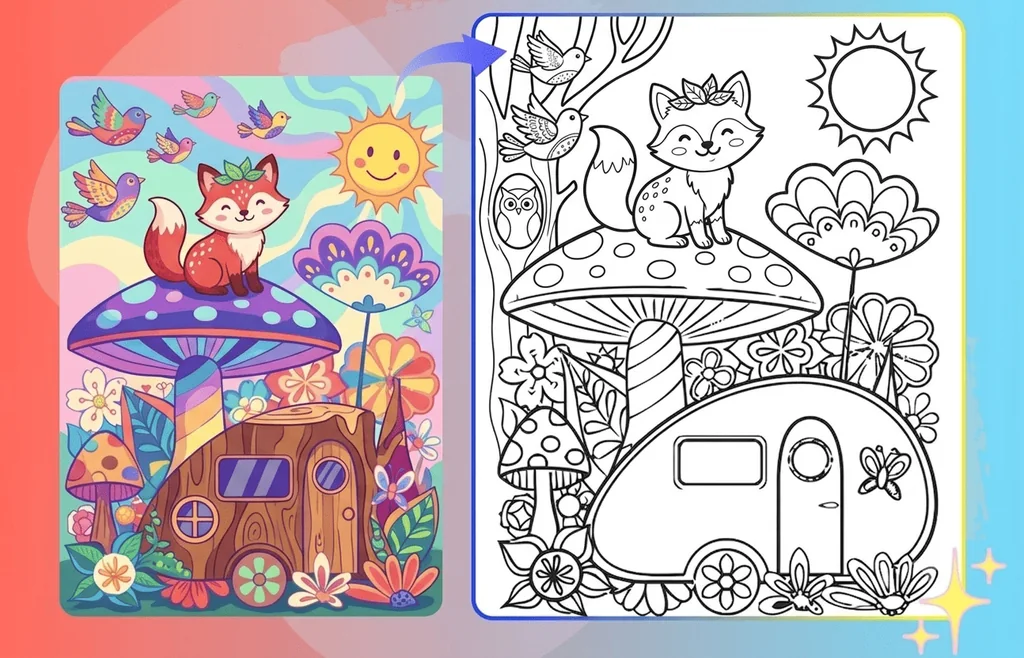
上傳任何照片,開始製作專屬著色頁。
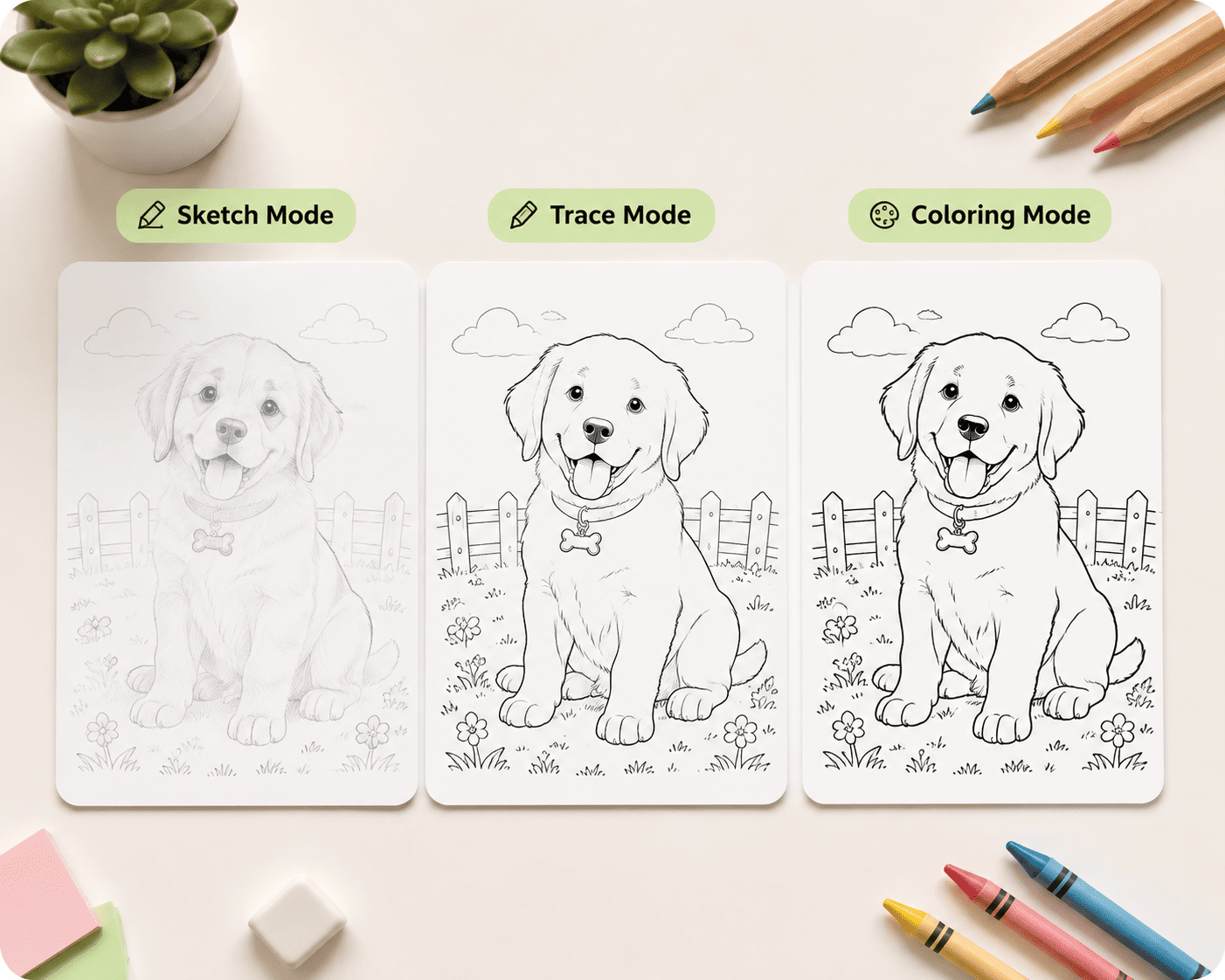
選擇著色頁類型
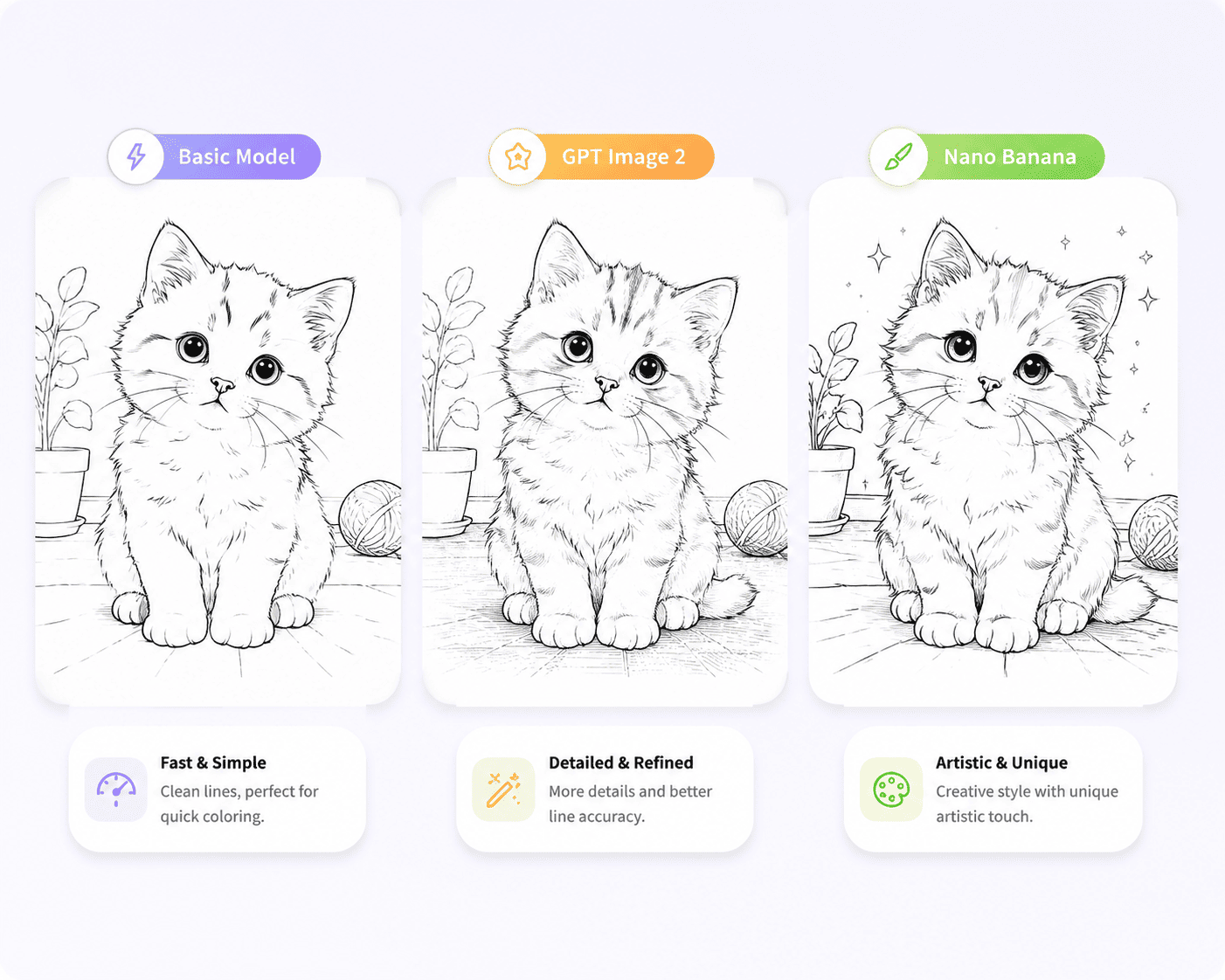
模型
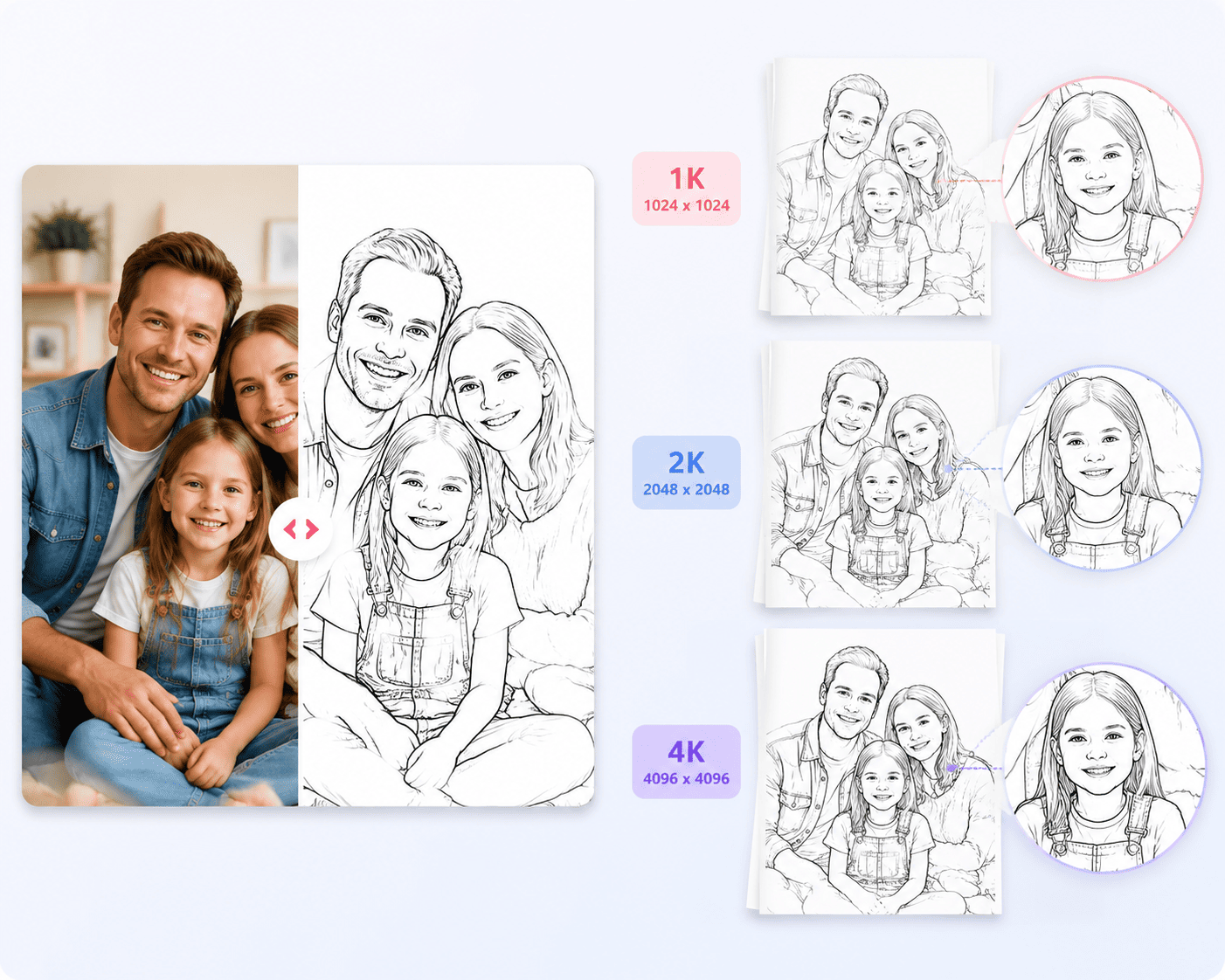
解析度
上傳圖片 (0/4)
No generation history yet
All generated image history will be cleared after 1 days.
只需三步即可完成著色頁的製作。
上傳一張或多張照片到著色頁轉換器進行下一步處理。
點擊生成按鈕,著色頁轉換器將開始處理。
下載並保存你的創作。
常見問題
你想了解的問題,這裡都有答案。找不到想要的?看看我們的回答吧。
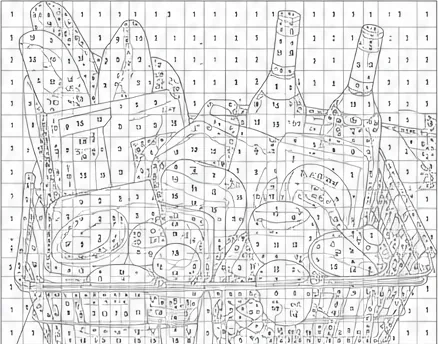
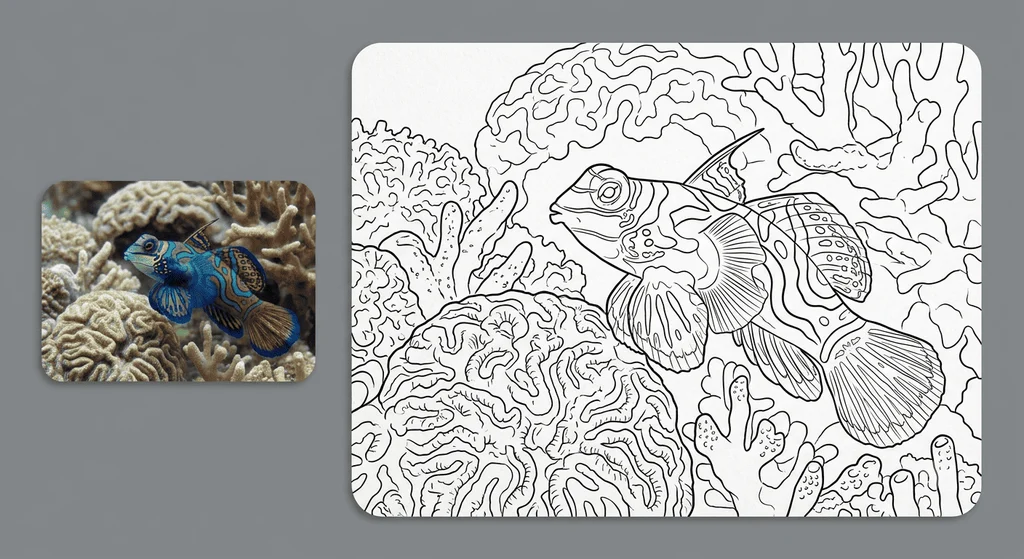
After uploading your photo, our AI-powered image model will automatically transform it into a clean black-and-white coloring page. The entire process is simple and effortless — just upload your image, wait a few seconds, and get a ready-to-print coloring page.
You can download your generated coloring pages in popular formats such as PDF and PNG, ready for instant printing on any home printer. To ensure sharp, professional-quality line art with no blur or loss of detail, we support high-resolution exports in 1K, 2K, and 4K quality.
Yes, you can start for free! Every user receives 5 free conversions per day to create personalized coloring pages from their photos. If you'd like to generate more, you can easily purchase additional credits and continue transforming your photos into coloring pages whenever you need.
Yes, our tool fully supports batch uploads! With a Plus subscription, you can upload multiple images at once and convert them into coloring pages in bulk. Our AI-powered workflow processes your photos smoothly and efficiently, making it easy to create large collections of custom coloring artwork in no time.
Photos with clear outlines, strong contrast, and well-defined subjects produce the best coloring page results. Brightly lit portraits, simple backgrounds, and recognizable objects help the AI capture more details, creating cleaner lines and more enjoyable coloring experiences.
No. Only users with an active Plus or Pro subscription can use coloring pages generated by Colorify AI for commercial purposes.
Free users are limited to personal use only. If you plan to sell, publish, or use generated coloring pages for business purposes, please upgrade to a Plus or Pro plan to unlock commercial usage rights.
No problem. If the first result isn't exactly what you imagined, you can easily generate a new version. Try switching between our advanced AI models — including the Basic Model, GPT Image 2, and Nano Banana — or explore different line styles to discover the perfect look for your custom coloring artwork.
Yes, absolutely! Your privacy is our top priority when using our photo to coloring page converter. Your images are securely encrypted during processing and automatically removed from our servers after a short period.
We never store, share, sell, or use your personal photos for AI model training. Your images remain private and are only used to create your custom coloring pages.